
The Laser Engraving Ecosystem
Mastering 3D effects and precision cutting with Glowforge, xTool, and LightBurn.
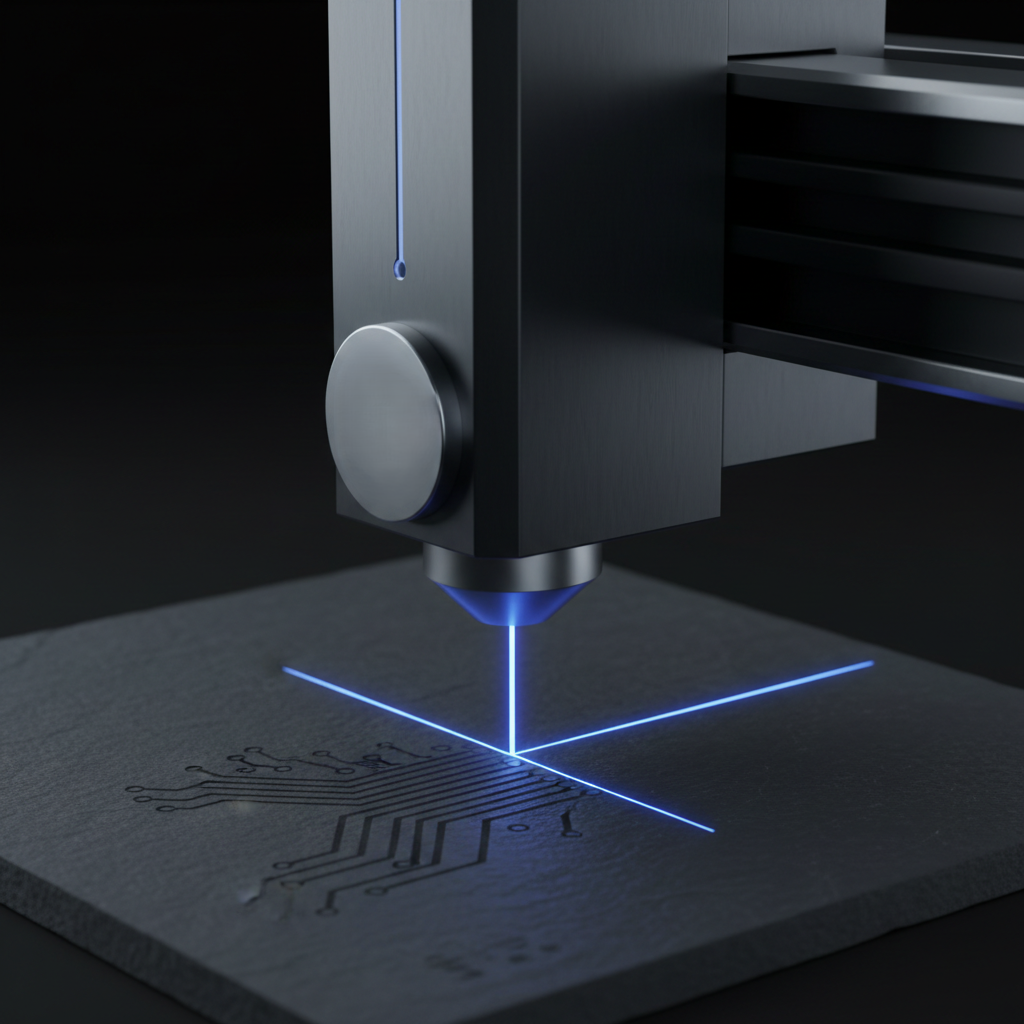
Ecosystem vs. Universal
Plug-and-Play (Glowforge / xTool)
Proprietary software (Glowforge App, xTool Creative Space) simplifies the workflow with built-in material settings. Ideal for fast project starts.
Universal Control (LightBurn)
The industry standard for DIY and high-end CO2/Diode lasers. Offers deep control over grayscale, interval, and dithering for 3D engraving effects.
Official Resources
- LightBurn Software Docs →The most powerful control software for laser hobbyists.
- Glowforge Support →Tips for using Proofgrade materials and the web interface.
- xTool Learning Center →Guides for D1, M1, and P2 laser platforms.
3D Grayscale Engraving
Using our Depth Maps, you can create "3D" reliefs with your laser. By varying the power based on the pixel brightness, the laser carves deeper in dark areas and shallower in light ones.
Interval Settings
Keep your line interval small (0.05mm - 0.08mm) to avoid visible scan lines in 3D engraves.
Grayscale Mode
In LightBurn, use "Grayscale" mode instead of "Jarvis" or "Stucki" for true depth-based engraving.
Multiple Passes
For deep wood reliefs, use two moderate power passes instead of one high power pass to reduce charring.
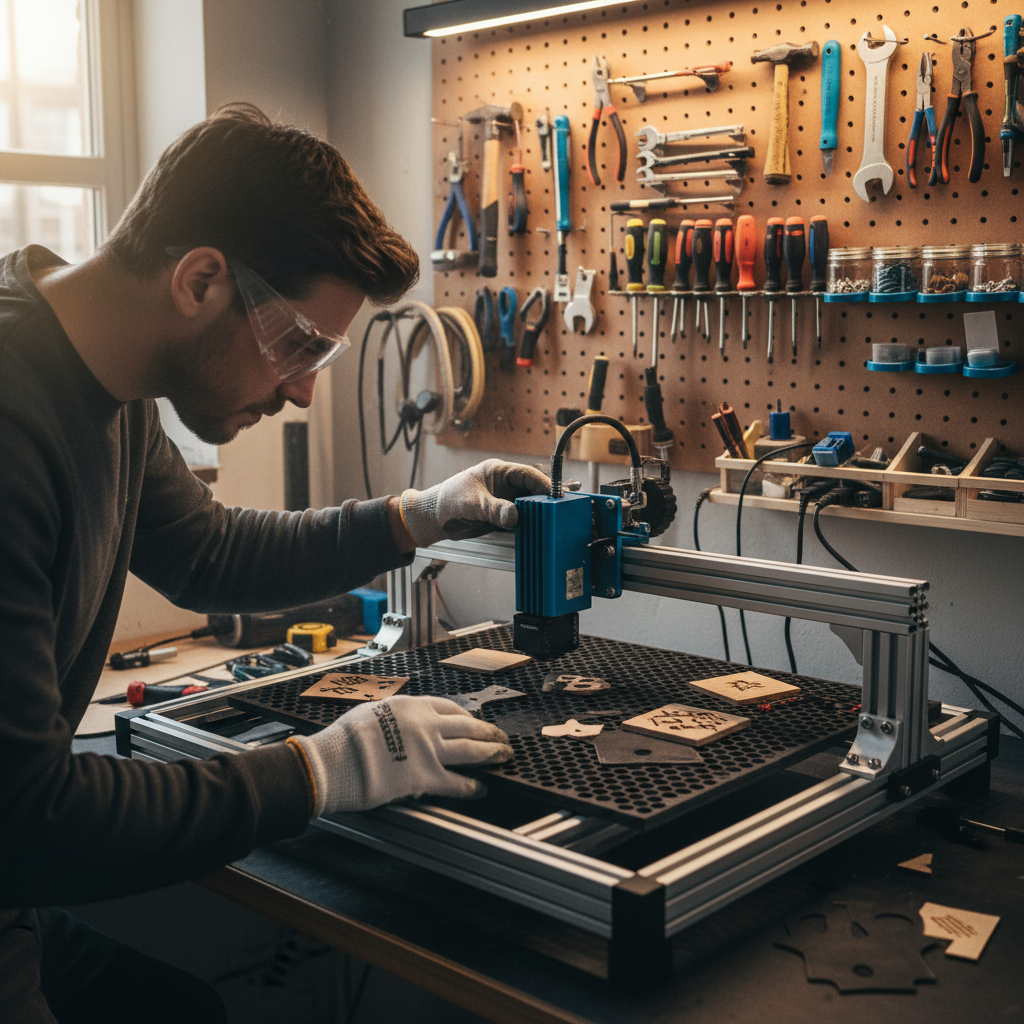
Material Selection
Not all materials are created equal for 3D engraving.