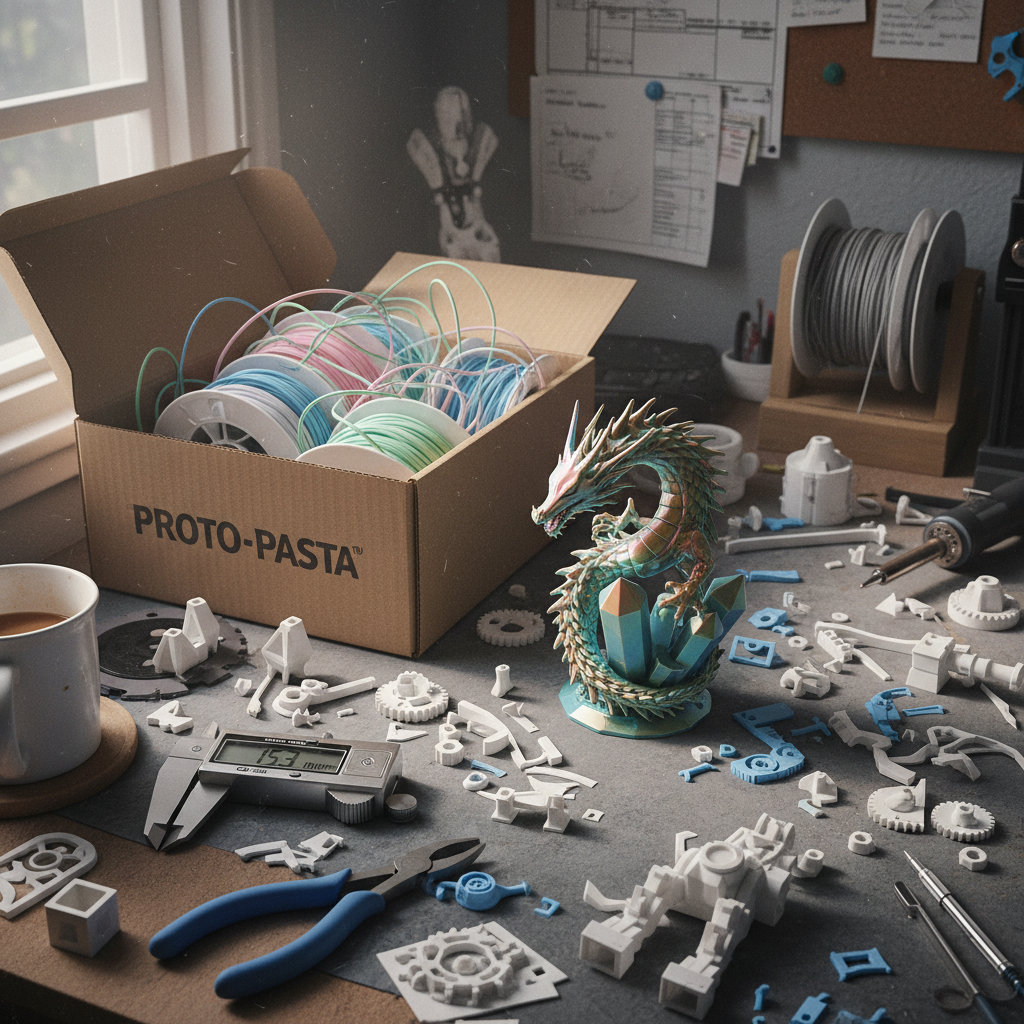

Artisan 3D Printing Detail Guide
Optimizing Bambu Lab, Prusa, and Creality printers for ultra-fine model reproduction.
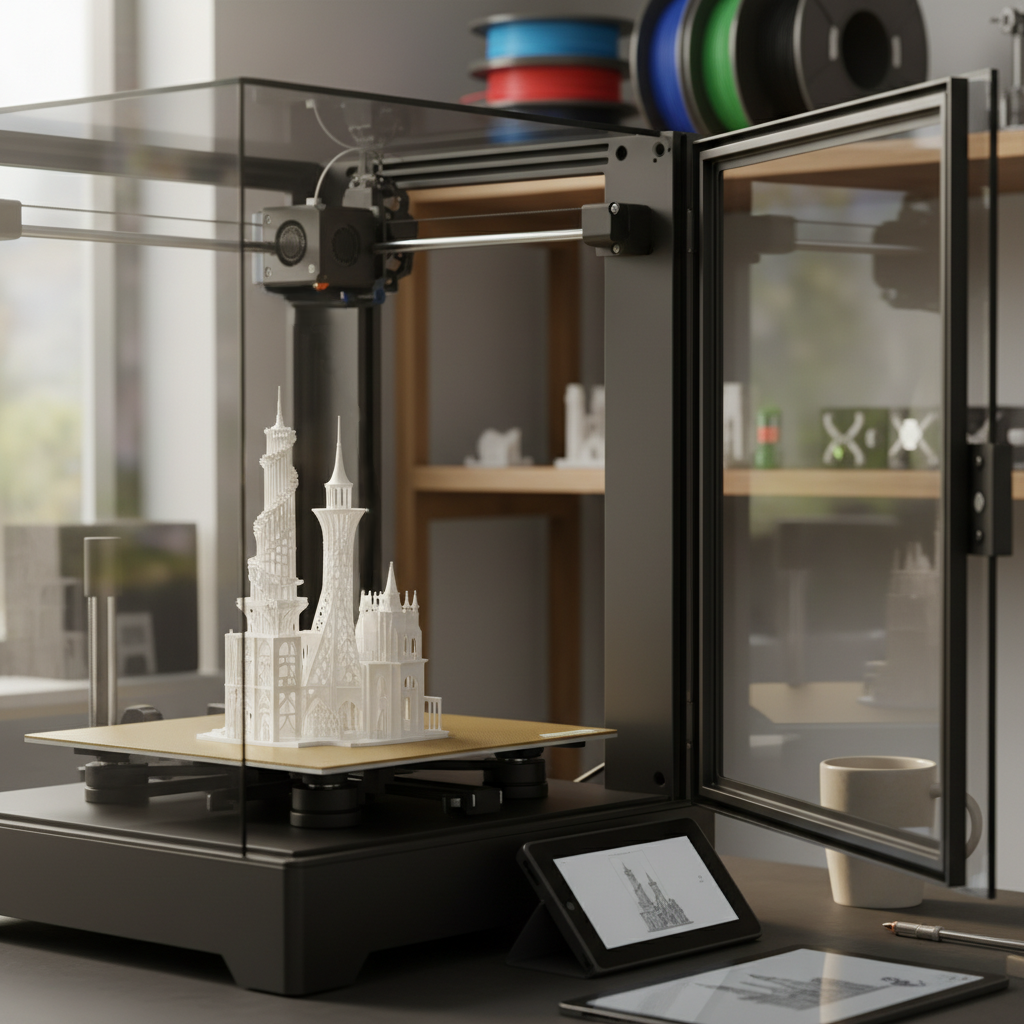
The Slicer Settings That Matter
When printing detailed 3D reliefs or miniatures, the standard "out of the box" profiles often leave detail on the table. To capture the artisan textures in our models, consider these adjustments.
Precision Profile
- • Layer Height: 0.08mm - 0.12mm (Ultra Detail)
- • Wall Loops: 3-4 (For solid detail edges)
- • Infill: 15-20% Gyroid (Best for strength/speed)
- • Top/Bottom Shells: 5-7 layers
Brand Resources
Bambu Studio Wiki →
Expert guides for X1, P1, and A1 series optimization.
PrusaSlicer Knowledge Base →
Mastering the industry's most flexible open-source slicer.
Creality Cloud Resources →
Settings for Ender and K1 high-speed printing.
The 0.2mm Nozzle Advantage
While 0.4mm is the standard, a 0.2mm nozzle is a "cheat code" for artisan detail. It significantly reduces the minimum feature size your printer can resolve.
Benefits
- • Near-invisible layer lines
- • Sharp points on 3D textures
- • Better reproduction of tiny text/logos
Trade-offs
- • 3x - 4x longer print times
- • Higher risk of clogging
- • More fragile supports
Drying Your Filament
Even "new" filament can contain moisture. For high-detail prints, moisture leads to stringing and surface blobs that ruin the fine textures of 3D models.
"We recommend drying your PLA at 45°C-50°C for 6 hours before attempting any long-format artisan relief print."